Content in seconds
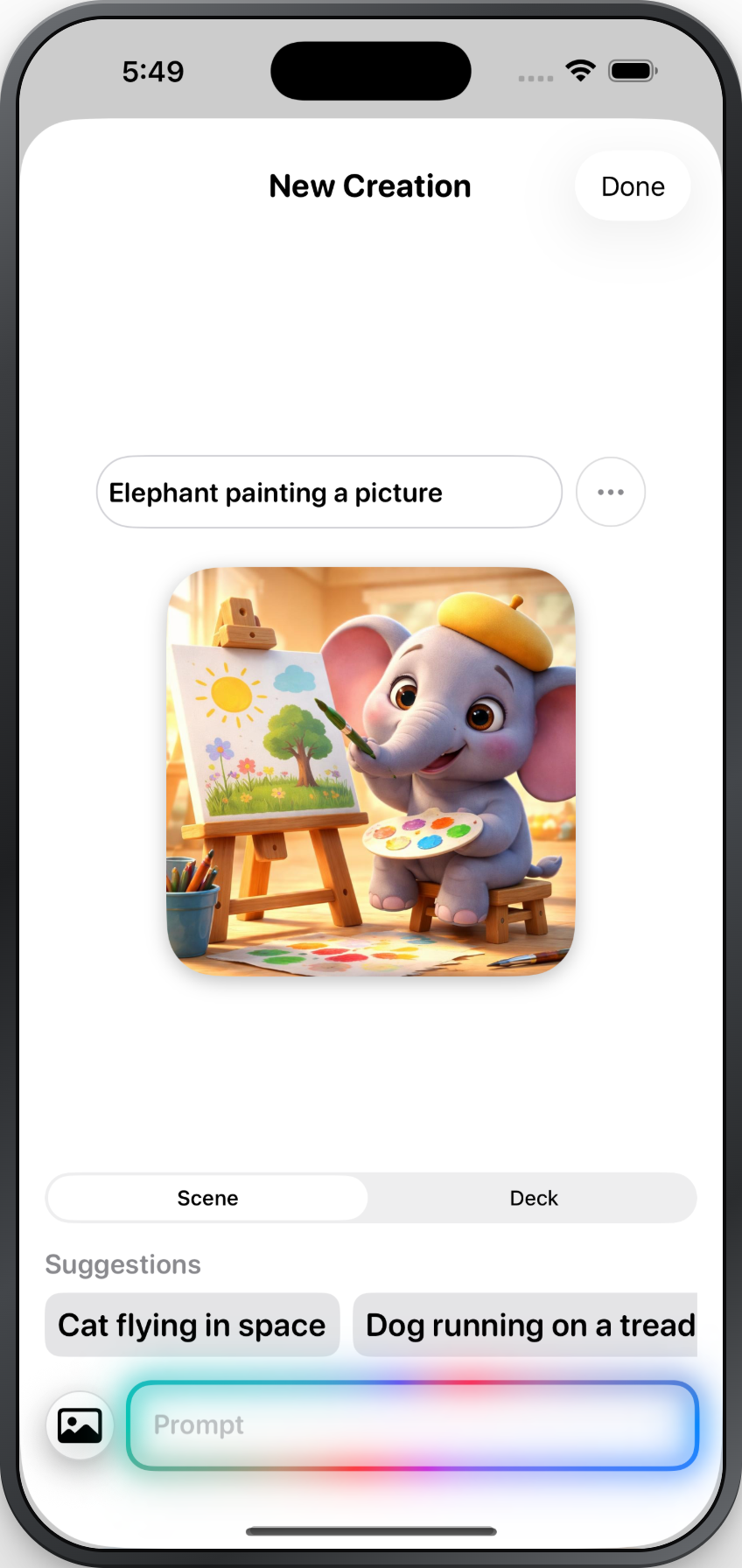
Popoki turns a quick idea into ready‑to‑use therapy material. Type a prompt like "Elephant painting a picture," or add a photo from your library, and the app's AI generates the image, the target words, and natural‑sounding audio for you. Choose whether you're building a Scene or a Deck, and tap a suggestion if you'd rather start from an example. In seconds you have a polished, personalized creation for your students.
Library of creations
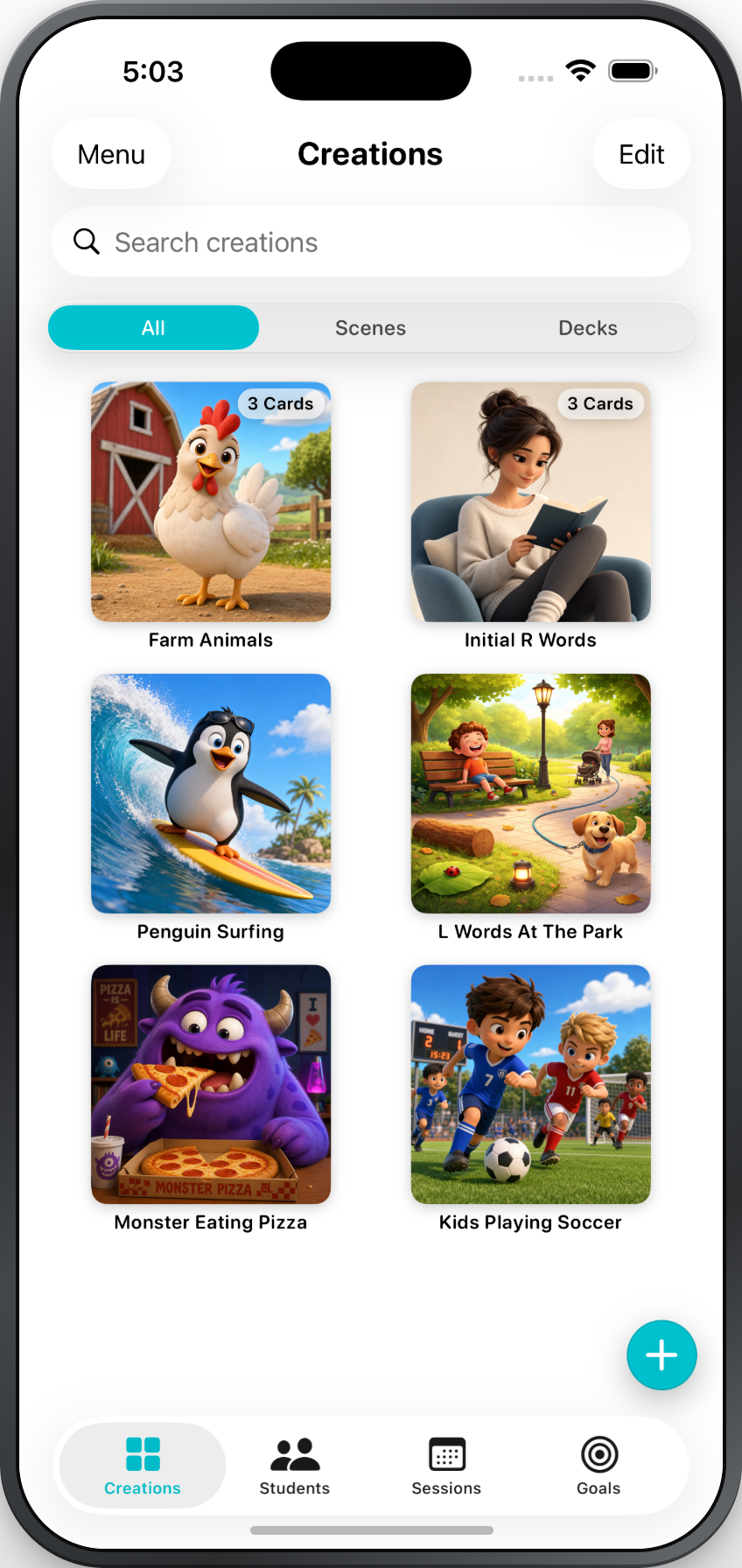
Every scene and deck you make is saved to your Creations library, organized with All, Scenes, and Decks filters and a search bar so you can quickly find your content. Open any creation to edit it, add or remove cards, or rename it. You can share a scene or deck with another Popoki user, and import creations others send you. Over time you build a reusable collection tailored to your caseload instead of starting from scratch each session.
Engaging students
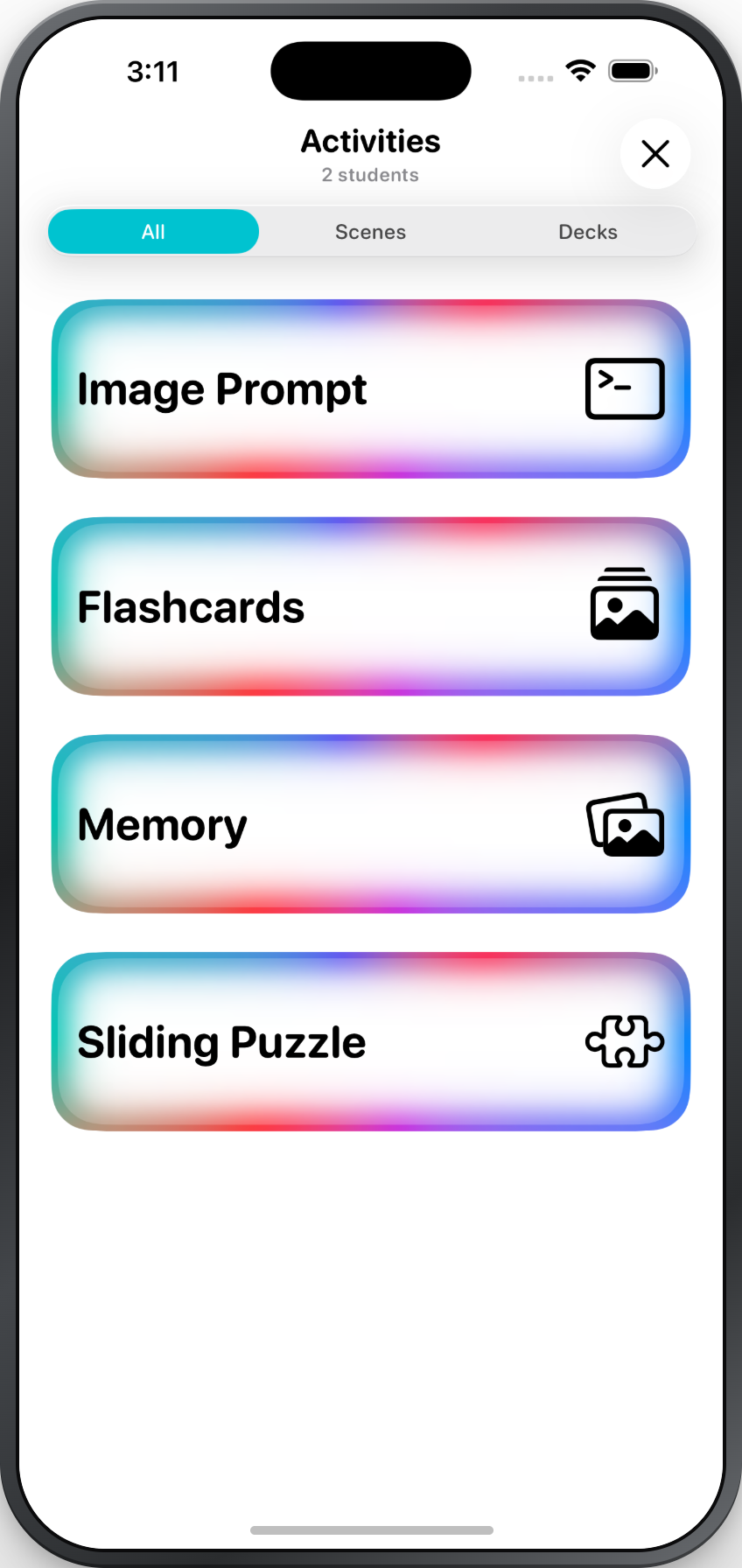
A single creation powers multiple activities, so the same scene or deck works in more than one way. Play Flashcards to drill target words one at a time, use Image Prompt to elicit language from a scene, build a Memory matching game from a deck, or turn a scene into a Sliding Puzzle. Flashcards and Image Prompt are always free; Memory and Sliding Puzzle are included with a subscription. Switching activities keeps practice fresh and motivating without creating new materials.
Purposeful practice
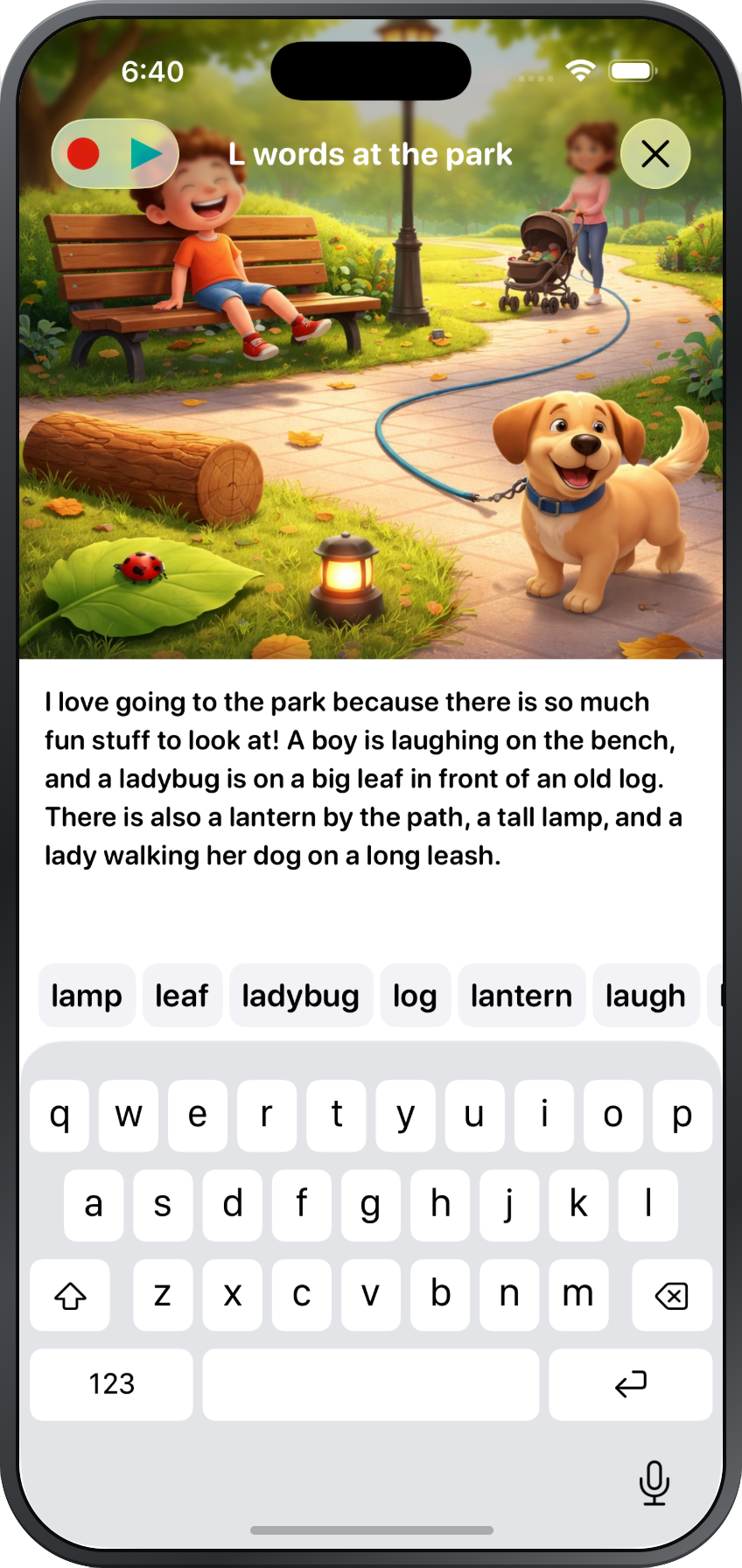
Popoki's activities are built to create rich opportunities for speech and language. In Image Prompt, a detailed scene and its target words invite a student to describe what they see, produce sentences, and practice sounds in context. Because you choose the words and the theme, each activity can align with the goal you're working on — whether that's initial /l/, categories, or longer utterances. It feels like play to the student while giving you meaningful moments to model and facilitate language.
Group sessions
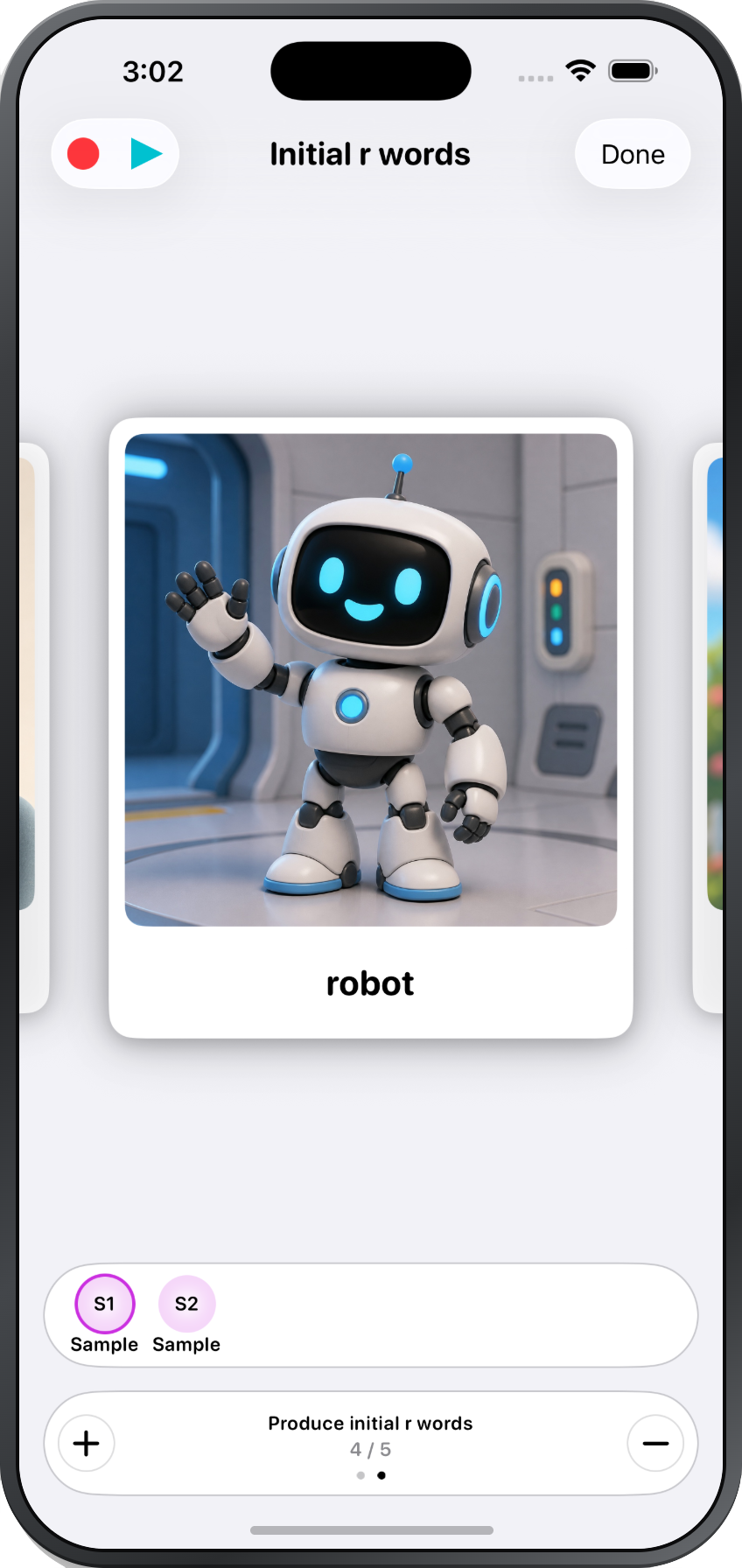
Popoki supports group sessions in which each student is working on something different. Select several students, choose an activity, and use the student switcher to move between them without leaving the activity. Each student sees their own content and is scored against their own objectives, so a group stays organized. You can mark correct and incorrect responses on the fly, take notes for each student, and keep everyone engaged in the same activity.
Student profiles
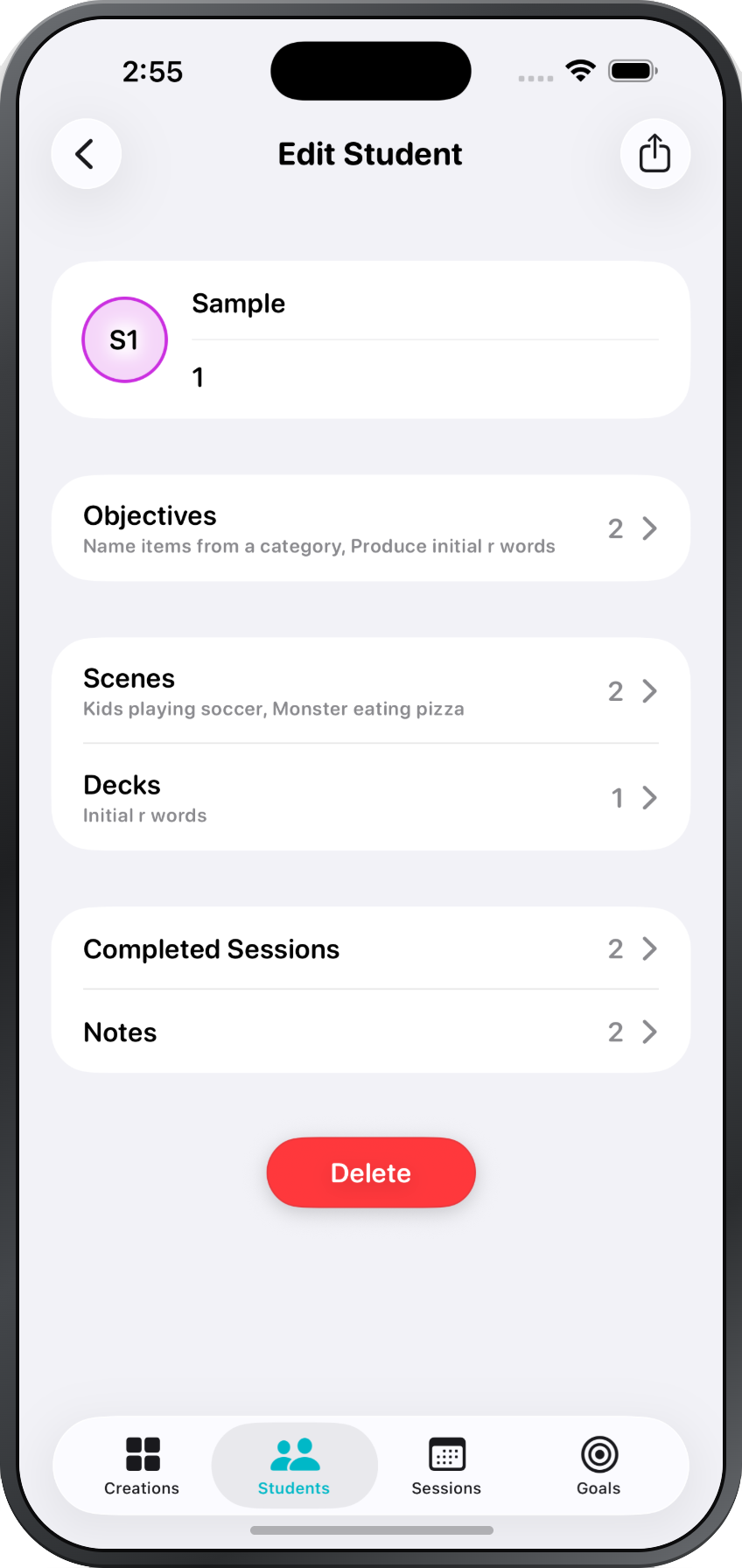
Each student has a personalized profile that keeps their content, objectives, and progress organized in one place. Assign objectives, scenes, and decks so the appropriate materials are ready as soon as a session begins. Review previous session notes and add new notes as needed. Export student data for a selected date range to support documentation and progress reporting. Hide objectives that are not currently relevant, or mark objectives as completed once they have been achieved.
Session management
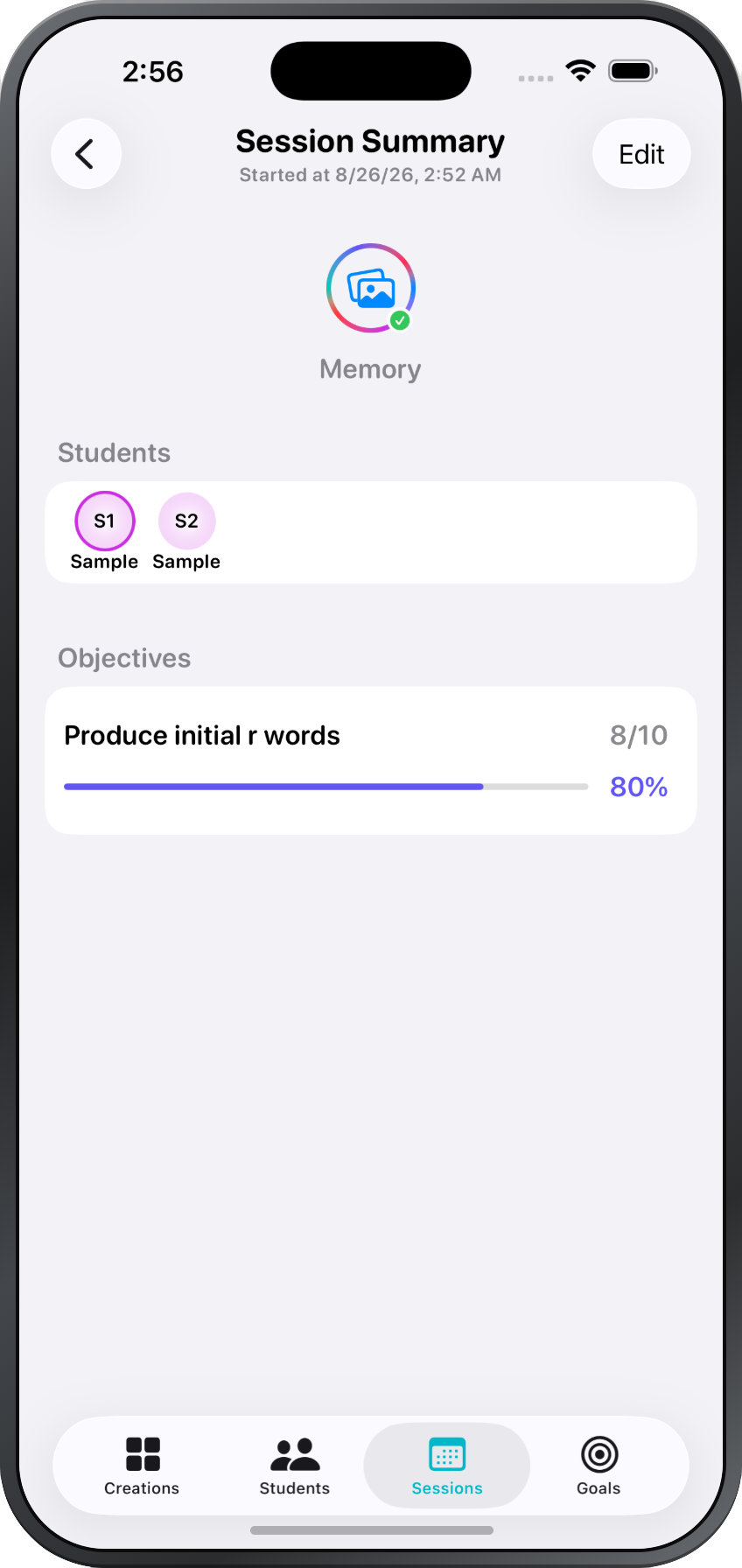
Popoki captures what happens during each activity with students. Every session records which students participated, the activity you ran, and each student's progress toward their objectives — shown as a simple score and percentage. Reopen a completed session to review it, make edits, or continue where you left off. This turns everyday practice into documentation you can use for progress monitoring and reporting.